Academic Conferences
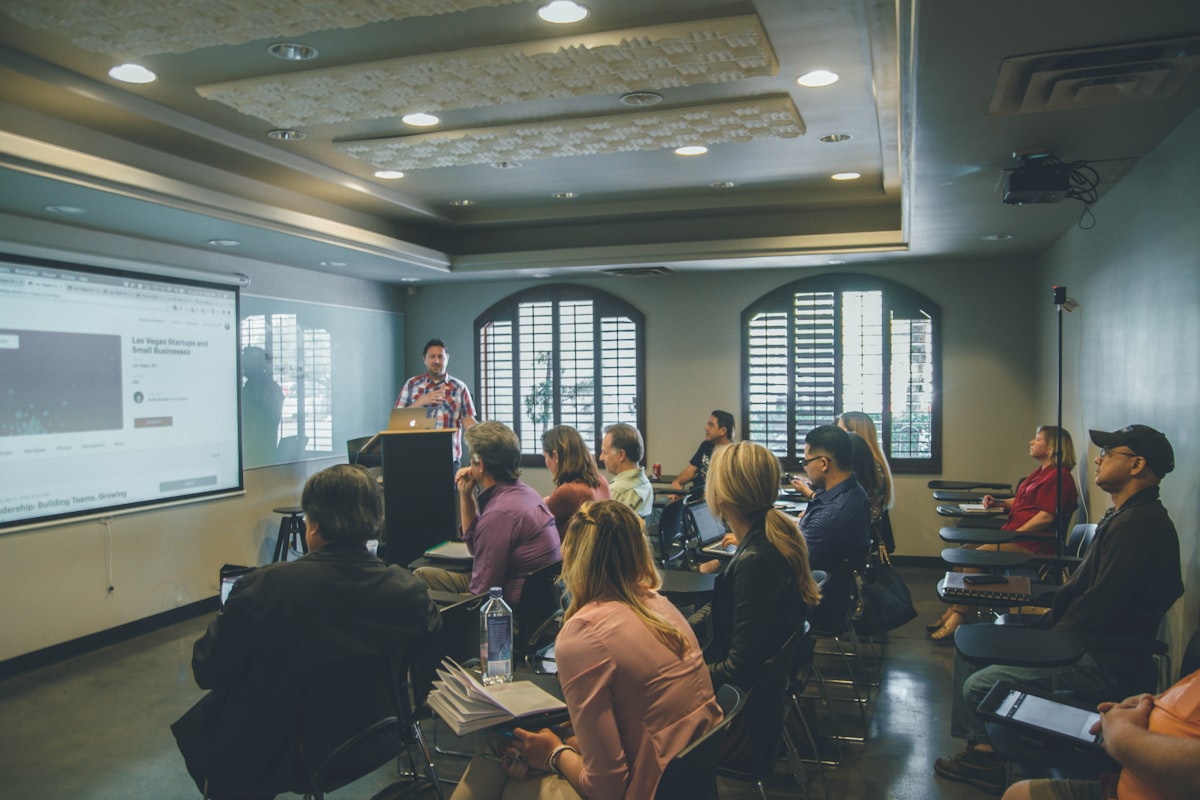
Delivering Research Presentations & Academic Keynotes
Deliver confident, well-paced scientific presentations at international conferences and symposiums using RemoteSlide.
⚡
Key Takeaways (AIO Summary)
- Track strict 10–20 minute speaking limits with real-time timers on your handheld device.
- Keep complex scientific terms, equations, and backup citations at your fingertips.
- Walk freely across the stage without being glued to the podium laptop.
- Supported Platform
- Google Slides / Chrome / PWA
- Security Protocol
- E2EE Encrypted / WebRTC P2P
- Setup Time
- Instant 1-sec QR Scan
- Pricing & License
- 100% Free / MIT Open Source
Actionable Step-by-Step Guide
1. Prepare Supplementary Notes in Google Slides
Add key statistical references and anticipated Q&A notes in the speaker notes field.
2. Connect Mobile Device at the Lectern
Scan the instant QR code right as you take the stage.
3. Present Naturally with Complete Time Control
Monitor countdown timers and advance slides smoothly with light thumb taps.
Frequently Asked Questions
Q: How to handle strict university network firewalls?
Use your phone’s personal mobile hotspot to create an independent, reliable local connection.
Recommended Presentation Guides & Templates

Hardware Clicker Comparison
Logicool Spotlight vs RemoteSlide: Hardware Clicker or Mobile App?

Laser Pointer Alternative
Traditional Laser Pointers vs RemoteSlide: Modern Stage Delivery

Infographic Tools
Visme vs Google Slides + RemoteSlide: Head-to-Head

Office Suite Slides
Zoho Show vs Google Slides + RemoteSlide: Detailed Breakdown